The flow for asking AI agents to build and modify game-style menus, HUDs, buttons, labels, image panels, and other in-game UI, then reviewing captured results and inspection findings in the dashboard.
Flow at a glance
- Ask in natural language — Just say something like “build me a main menu UI” the way you normally would.
- Requirements gathering — The AI fills in the necessary details (purpose, screen, target devices) through guided questions.
- UI composition — Based on the gathered requirements, the AI creates and updates the UI needed for the game screen.
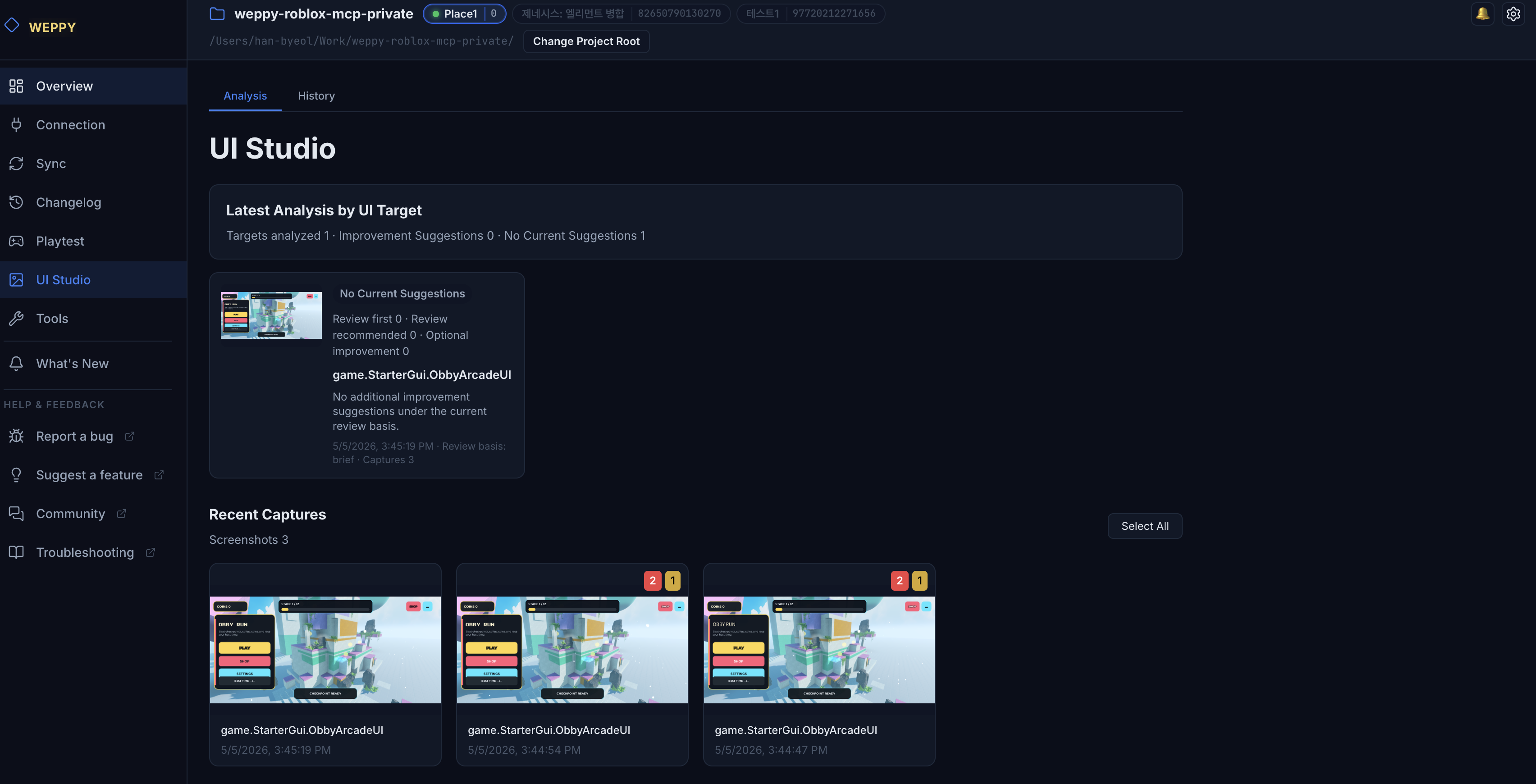
- Review results and suggestions — Open the dashboard’s UI Studio page to see the captured screens and the improvement suggestions surfaced (touch targets, contrast, safe zones, etc.).
- Iterate — Forward the suggested improvements to the AI as natural-language requests.
In the dashboard, you can revisit captured results and refresh Design Check suggestions for the same UI.
Common patterns
Building a new UI
Build me a main menu UI for mobile landscape with a centered start buttonIf the AI needs more information, simply answer and the work continues.
Confirming the result
Show me the result of the UI you just builtThe AI captures and replies; the same result is also viewable in the History tab of the dashboard’s UI Studio page.
Applying improvement suggestions
Apply the touch-target suggestion you just surfaced and rebuild itPass the item you saw in the Analysis tab back as natural language and it will be applied.
Learn more
For details on tab structure, retention policies, and examples, see the UI Studio guide.